Do you often experience a thrilling moment when your phone rings, only to feel disappointment and irritation wash over you when you check the screen? Unwanted calls—whether unimportant advertisements or even fraudulent spam calls—are wasting your precious time and energy. Let's put an end to this! Your phone should be a space reserved only for important communications. This article provides a comprehensive guide to the most effective and practical spam call blocking methods that all smartphone users can use to avoid stress from spam calls. Whether you use iPhone or Android, we will now introduce you to a perfect guide that will create a pleasant calling environment immediately.
Stop Spam Calls Now! A Complete Blocking Guide Begins
Spam calls that interrupt daily life pose serious threats beyond mere inconvenience, potentially leading to personal information leaks and voice phishing fraud. Loan offer calls during important work, gambling advertisement calls during breaks, and investment scam-suspected calls late at night disrupt our focus and cause unnecessary stress. To address these issues for both iPhone and Android users, this guide explains the nature of spam calls and presents comprehensive solutions ranging from basic smartphone functions and telecommunications company services to specialized app utilization and preventative habits. Through this guide, readers can save precious time, reduce mental stress, and ultimately protect their personal information and assets safely. Let us now begin the journey to complete freedom from spam calls.
To effectively understand spam call blocking methods, we first explain the basic principles and why spam calls are important.
First Steps in Spam Call Blocking: Understanding the Principles and Types
Spam calls are primarily sent randomly to unspecified numbers for commercial advertising purposes, illegal financial fraud, or personal information theft. The main types of spam calls are as follows. First, illegal loan, gambling, and stock investment solicitation calls typically provide false information or instigate gambling intentions to gain financial profit. Second, voice phishing is the most dangerous type, impersonating law enforcement agencies or financial institutions to steal personal information or induce money transfers. Third, telemarketing and advertising calls often promote unnecessary products or services. The reasons spam calls are received are diverse, including personal information leaks, random transmission systems, and the use of automatic calling programs. In particular, personal information carelessly left online or offline can be misused by spam senders. Blocking such spam calls is not merely about eliminating inconvenience but becomes the first step in essential digital security for protecting personal information and assets.
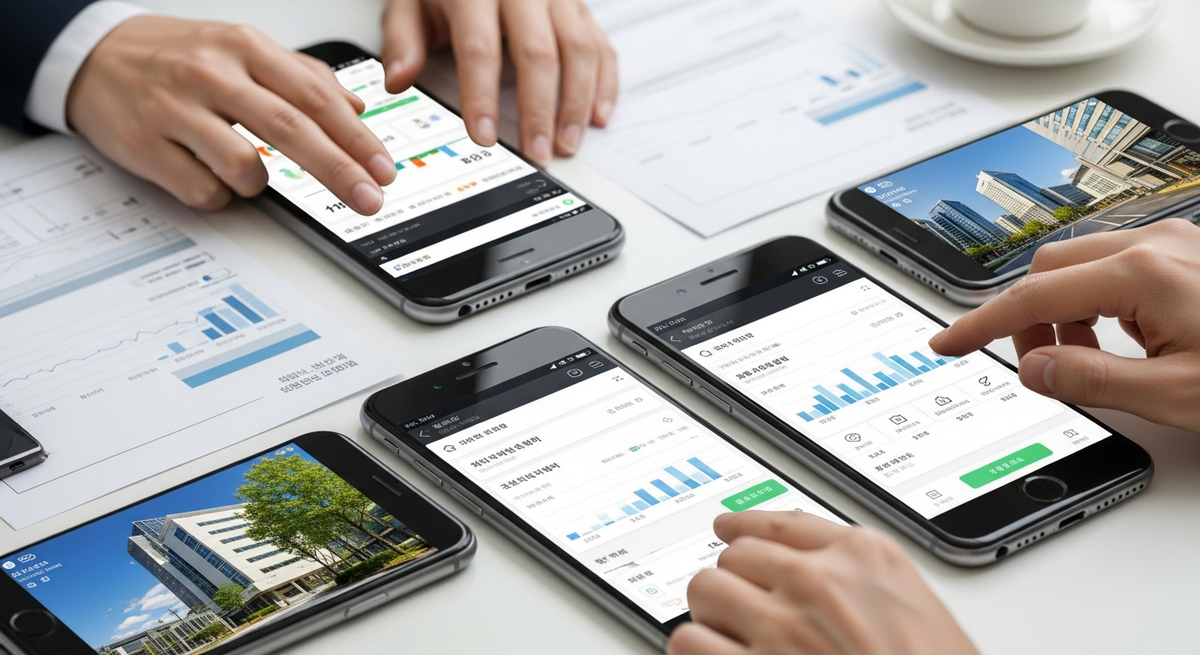
[Photo=AI Generated: Spam Call Blocking Settings]
Now that you understand the types of spam calls, let's learn about the blocking methods using your smartphone's built-in features that you can try first.
Instantly Block Spam Calls Using Smartphone Built-in Features (iPhone/Android)
You can effectively block spam calls using only your smartphone's built-in features without installing additional apps. This is the easiest and fastest first line of defense.
- iPhone Spam Blocking Methods:
- Block Specific Numbers: Open the Phone app, find the number you want to block in your recent calls list, and tap the 'i' icon next to it. Scroll down and select 'Block this Caller' to block all calls, messages, and FaceTime from that number.
- Enable 'Silence Unknown Callers' Feature: Go to Settings, select the Phone menu, and activate the 'Silence Unknown Callers' feature. When enabled, calls from numbers not saved in your contacts or with no recent call history will be silenced, sent to voicemail, and appear in your recent calls list. Note that important calls may be missed, so caution is necessary.
- Android Spam Blocking Methods:
- Block Specific Numbers: Open the Phone app, long-press the number you want to block, or tap the number in your call history and select the 'Block' or 'Report as Spam' option. (The UI may differ depending on the manufacturer and OS version. Usually, there are items such as 'Block,' 'Number Management,' or 'Spam Numbers' in the Settings or Options menu.)
- Enable 'Caller ID/Spam Protection' Settings: In the Phone app settings, find the 'Block Incoming' or 'Caller ID/Spam Protection' menu. Here you can activate blocking features for unknown or suspected spam numbers, or manually add specific numbers to block.
- Manage and Unblock Blocked Numbers: Both iPhone and Android allow you to check the list of blocked numbers in the Settings menu and unblock them if necessary.
If the smartphone's built-in features alone are insufficient, you can build even stronger defense through services provided by telecommunications companies or specialized spam blocking apps.
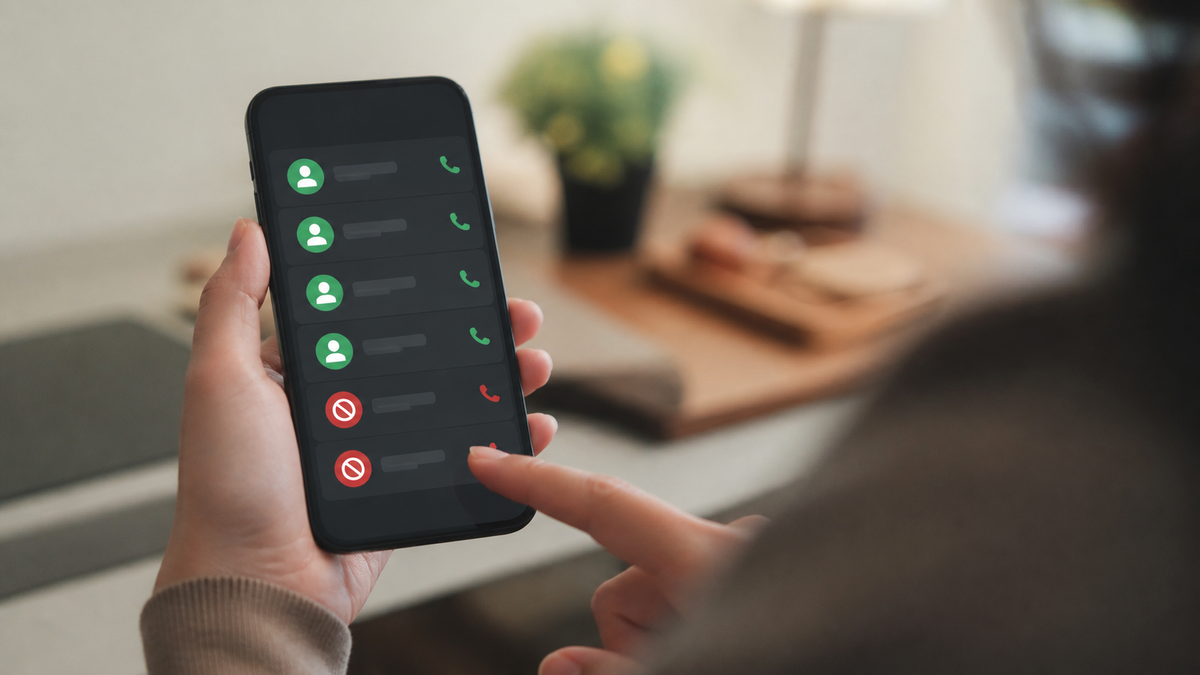
[Photo=Spam Number Identification and Blocking App]
A Stronger Shield: Block Spam Calls at the Source Using Telecommunications Companies and Specialized Apps
Spam calls that cannot be resolved by smartphone built-in features can be defended against more powerfully using telecommunications company add-on services or specialized spam blocking apps. These work based on real-time spam databases, filtering far more extensive spam.
- Telecommunications Company Spam Blocking Services:
- SKT: T-Phone (integrated into the default app) - Provides spam number identification, blocking, and safe call features.
- KT: Whowho App Integration - Offers caller information display and spam/voice phishing number blocking features.
- LGU : Whowho Integration - Provides spam blocking and caller information confirmation services.
Each telecommunications company supports spam blocking services for its customers or integration with popular apps, so you can check detailed information on the company's customer service center or app store and sign up.
- Essential Spam Blocking Apps:
- Whowho: Korea's leading spam blocking app that identifies and blocks spam numbers in real-time based on extensive user participation data. It provides not only spam numbers but also dangerous number information for voice phishing and smishing.
- Whoscall: A global service with strengths in identifying spam calls from abroad or unknown numbers. It quickly updates spam information through shared user data.
These apps allow you to immediately use spam call blocking and caller information confirmation features after installation and permission settings.
- Illegal Spam Report Center (118): If you receive a spam call, you can report it to the Korea Internet & Security Agency (KISA) Illegal Spam Report Center at 118 without an area code and actively participate in spam elimination. This is an important action that contributes to reducing spam across society.
Beyond technical blocking methods, developing preventative habits in daily life to reduce spam calls themselves is important.
Life Habits to Reduce Spam Calls: Smart Prevention Tips
As important as blocking incoming spam calls is reducing the likelihood of spam calls reaching you in the first place through preventative habits. This creates a more pleasant calling environment in the long term.
- Prevent Personal Information Leaks: When engaging in online activities, avoid entering phone numbers and personal information on untrusted websites as much as possible. When signing up for unnecessary or suspicious websites, always carefully check the scope of personal information collection and usage consent.
- Be Cautious of Suspicious Messages: Never click on or download internet addresses (URLs) or files included in messages from unknown sources. These are major pathways for personal information leaks and malware infections.
- Use Do-Not-Call Registration: If you do not wish to receive advertising calls from financial institutions, telecommunications companies, insurance companies, and others, you can register your phone number with the 'Do-Not-Call' system to refuse promotional calls. This is effective in reducing the number of legitimate marketing calls.
- Organize and Manage Contacts: Periodically clean up contacts that are no longer used or unnecessary to reduce the risk of personal information leaks. If you plan to change your phone number, be careful to cancel services linked to your existing number in advance and safely register your new number.
By consistently applying the various methods we have covered so far, you can enjoy a pleasant digital life free from spam calls.
A Pleasant Calling Environment Without Spam—Now It's Your Turn!
A pleasant calling environment without spam calls is no longer a dream but a reality you can achieve. Today, spam call blocking has evolved beyond simply resolving temporary inconvenience to become an essential digital life habit for protecting our personal information and assets and enhancing the quality of our digital lives. It is important to consistently apply the various methods presented in this guide, from using your smartphone's basic blocking features to utilizing telecommunications company services, specialized spam blocking apps, and preventative habits in daily life. As technology continues to advance and spam methods evolve, you must protect yourself with continuous interest in spam blocking information and an proactive attitude. We hope you will enjoy a smart digital life without spam call interruptions, concentrating only on connections with those who matter most. Take action now to make your calling environment safer and more comfortable.
Copyright © JKN. Unauthorized reproduction or redistribution prohibited.